Description
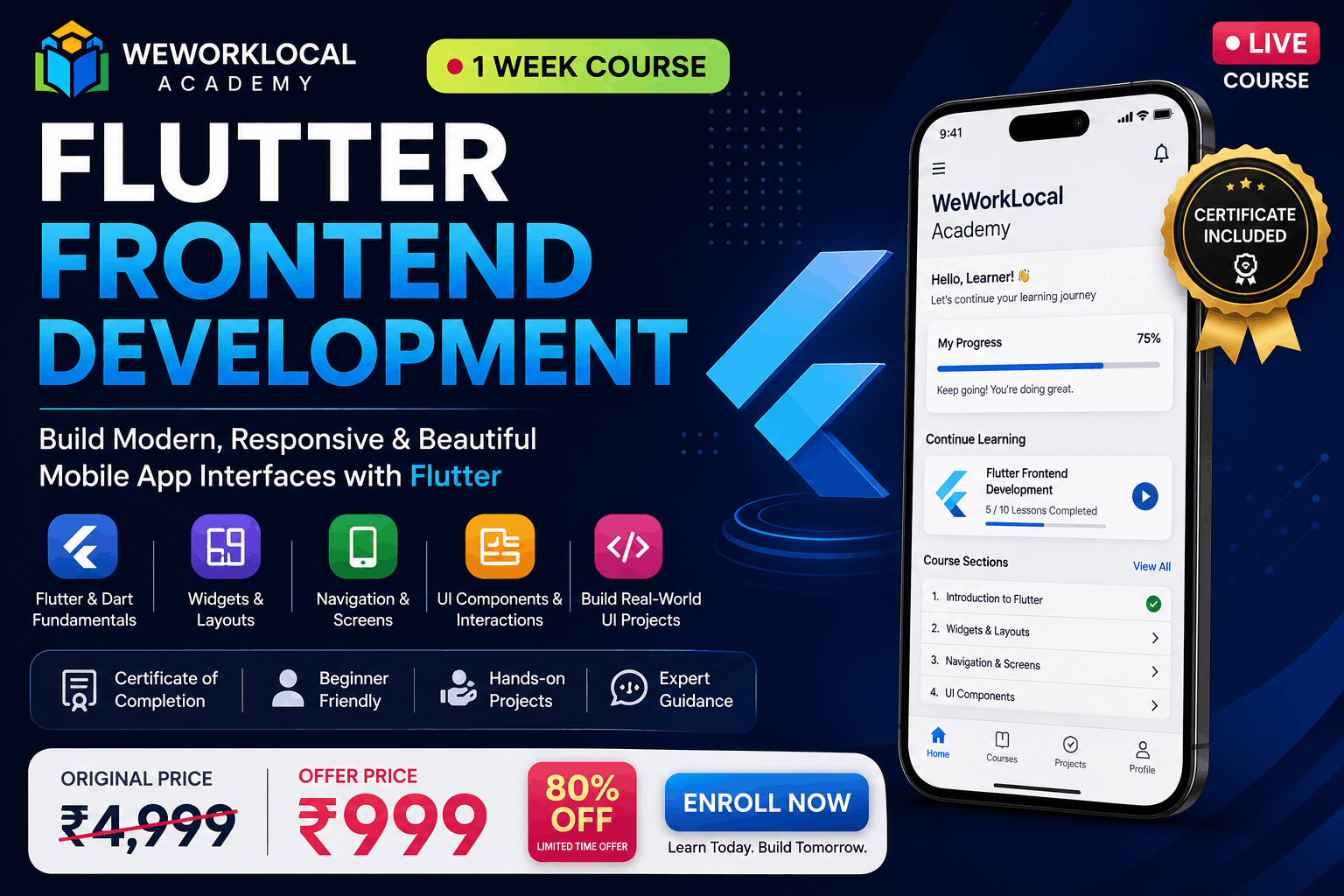
Learn Flutter Frontend Development from the fundamentals and build modern, responsive mobile application interfaces through practical, hands-on learning.
This 1-week beginner-friendly course is designed for students, aspiring developers, and anyone who wants to start building mobile applications using Flutter and Dart. You will learn the core concepts of Flutter while working on practical examples and real-world application interfaces.
What You Will Learn
- Introduction to Flutter and Dart
- Understanding Flutter project structure
- Creating screens and mobile app layouts
- Flutter widgets and widget hierarchy
- Rows, Columns, Containers, Cards, Lists, and other essential widgets
- Designing responsive and user-friendly interfaces
- Managing spacing, alignment, colors, fonts, and themes
- Navigation between multiple screens
- Handling buttons, text fields, images, and user interactions
- Creating reusable UI components
- Understanding basic state management concepts
- Building a complete Flutter frontend project
- Best practices for organizing Flutter UI code
- Testing and running Flutter applications
Practical Learning
The course focuses on learning by building rather than only studying theory. You will work with practical examples and gradually develop a complete mobile application frontend using Flutter.
Who Is This Course For?
This course is suitable for beginners, college students, aspiring app developers, and anyone interested in learning cross-platform mobile app development with Flutter.
No advanced programming experience is required. Basic familiarity with computers and programming concepts is helpful but not mandatory.
Course Completion
After successfully completing the course, students will receive a Certificate of Completion from WeWorkLocal Academy.
By the end of this course, you will have a strong foundation in Flutter frontend development and the practical skills needed to continue learning and building mobile applications.
What you'll learn in this course?
-
1. Understand the fundamentals of Flutter and Dart
-
2. Set up and configure a Flutter development environment
-
3. Understand Flutter widgets and project structure
-
4. Build modern and responsive mobile app interfaces
-
5. Create layouts using common Flutter widgets
-
6. Implement navigation between multiple screens
-
7. Handle buttons, forms, text fields, lists, and user interactions
-
8. Create reusable UI components
-
9. Build a complete Flutter frontend project
-
10. Apply basic Flutter UI development best practices
-
11. Test and improve a Flutter application
-
12. Gain a practical foundation for continuing Flutter development
Requirements
1. Basic computer knowledge
2. A laptop or desktop computer
3. Basic understanding of programming concepts is helpful but not required
4. No prior Flutter experience required
5. Internet connection for downloading Flutter and required tools




 Education & University